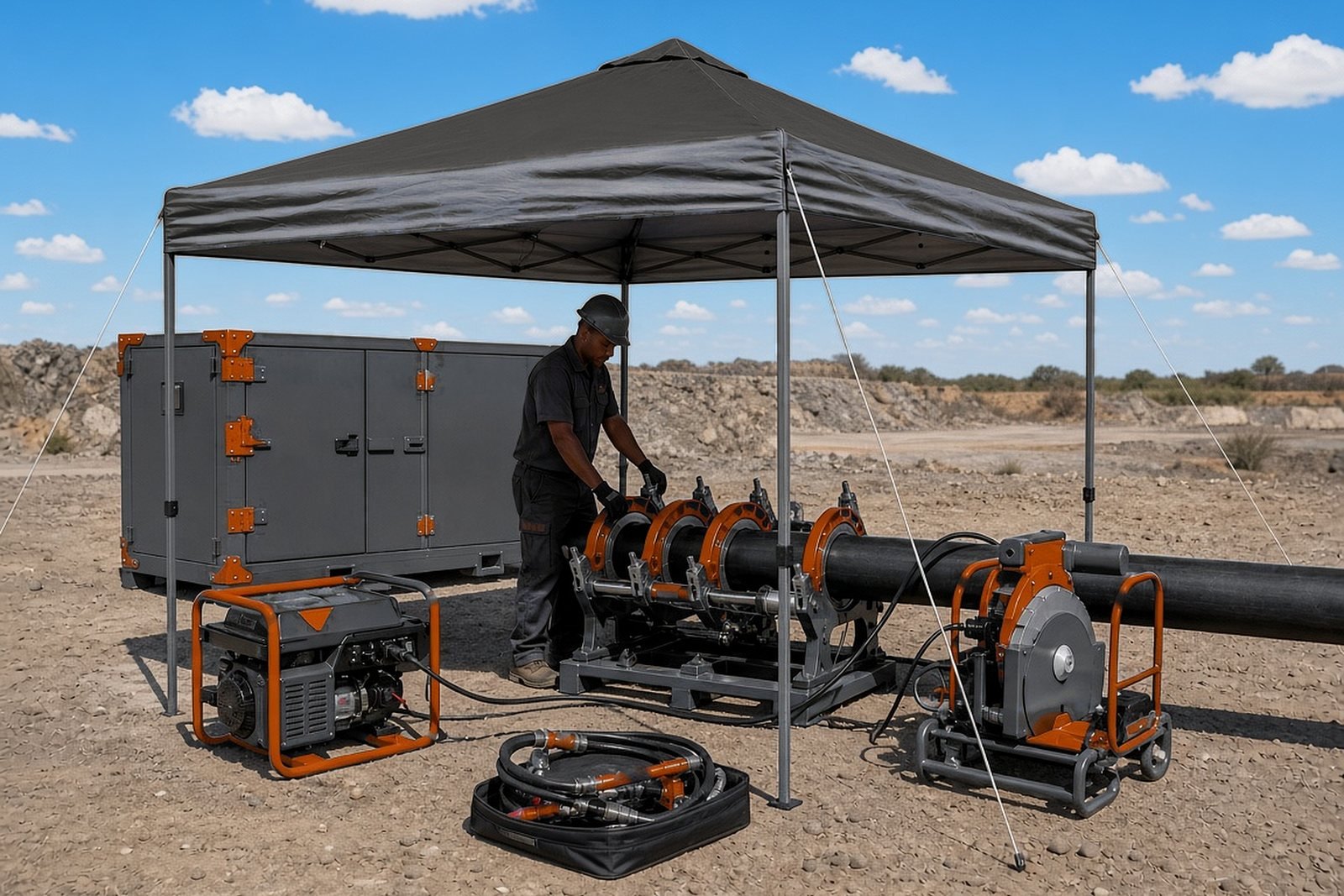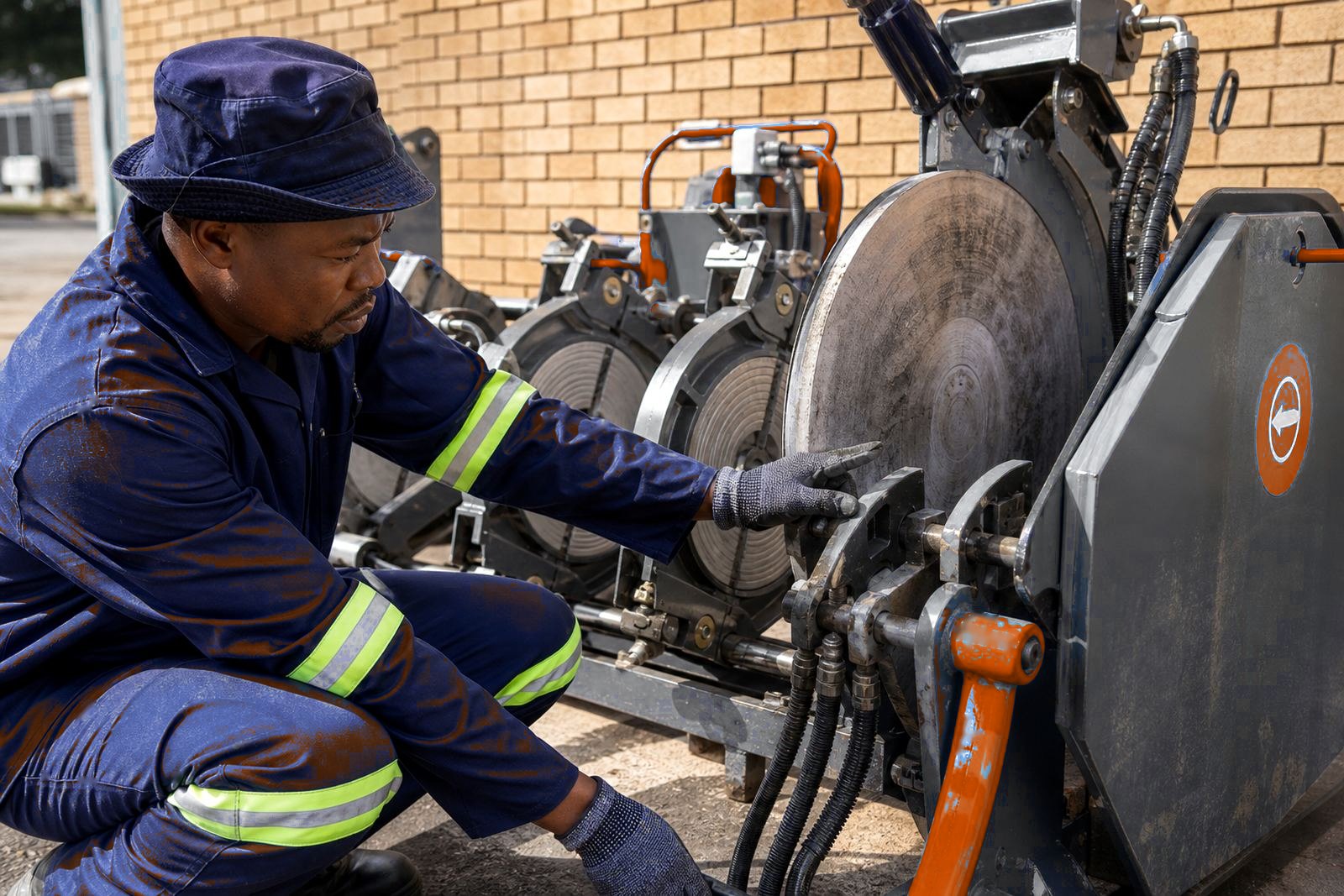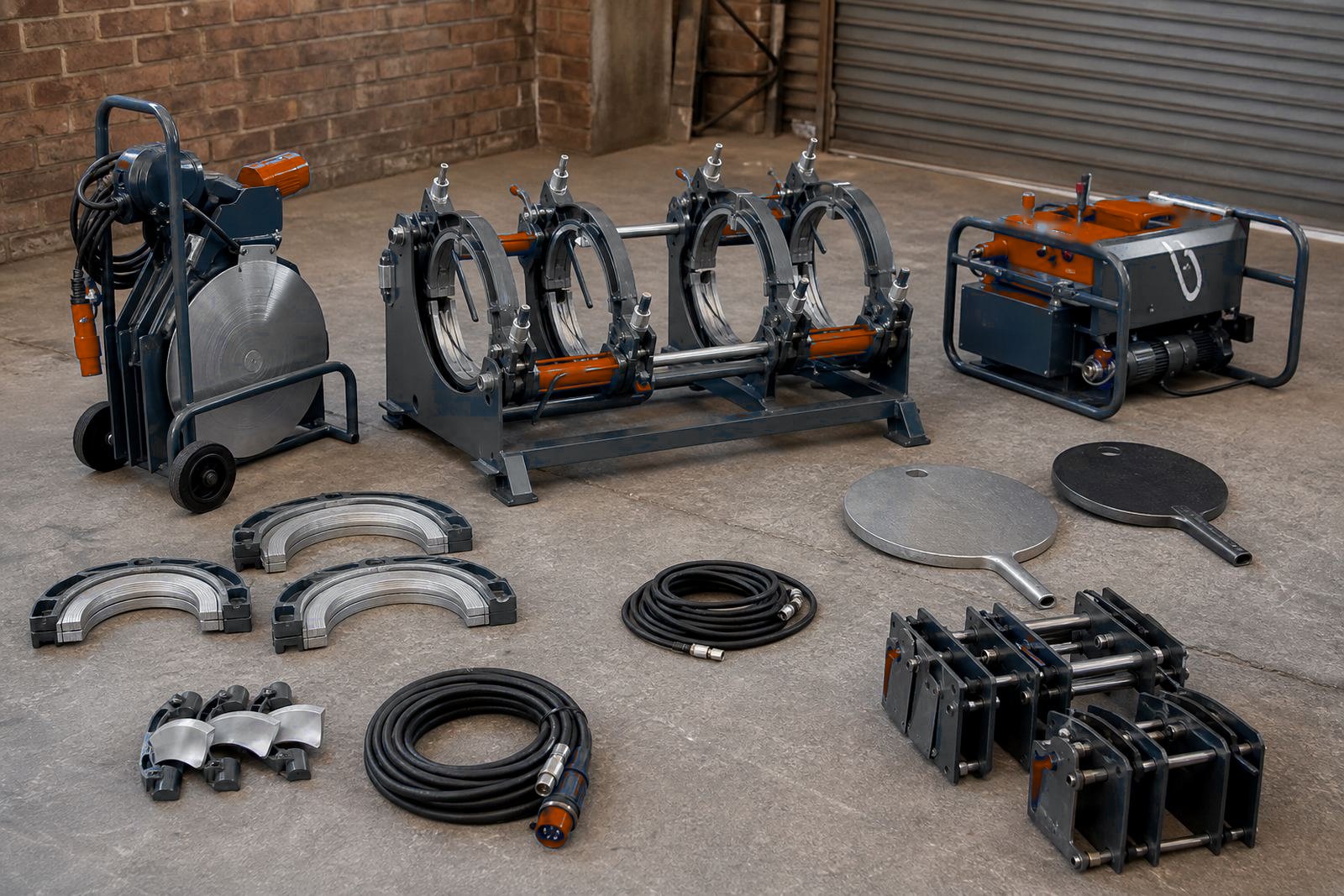

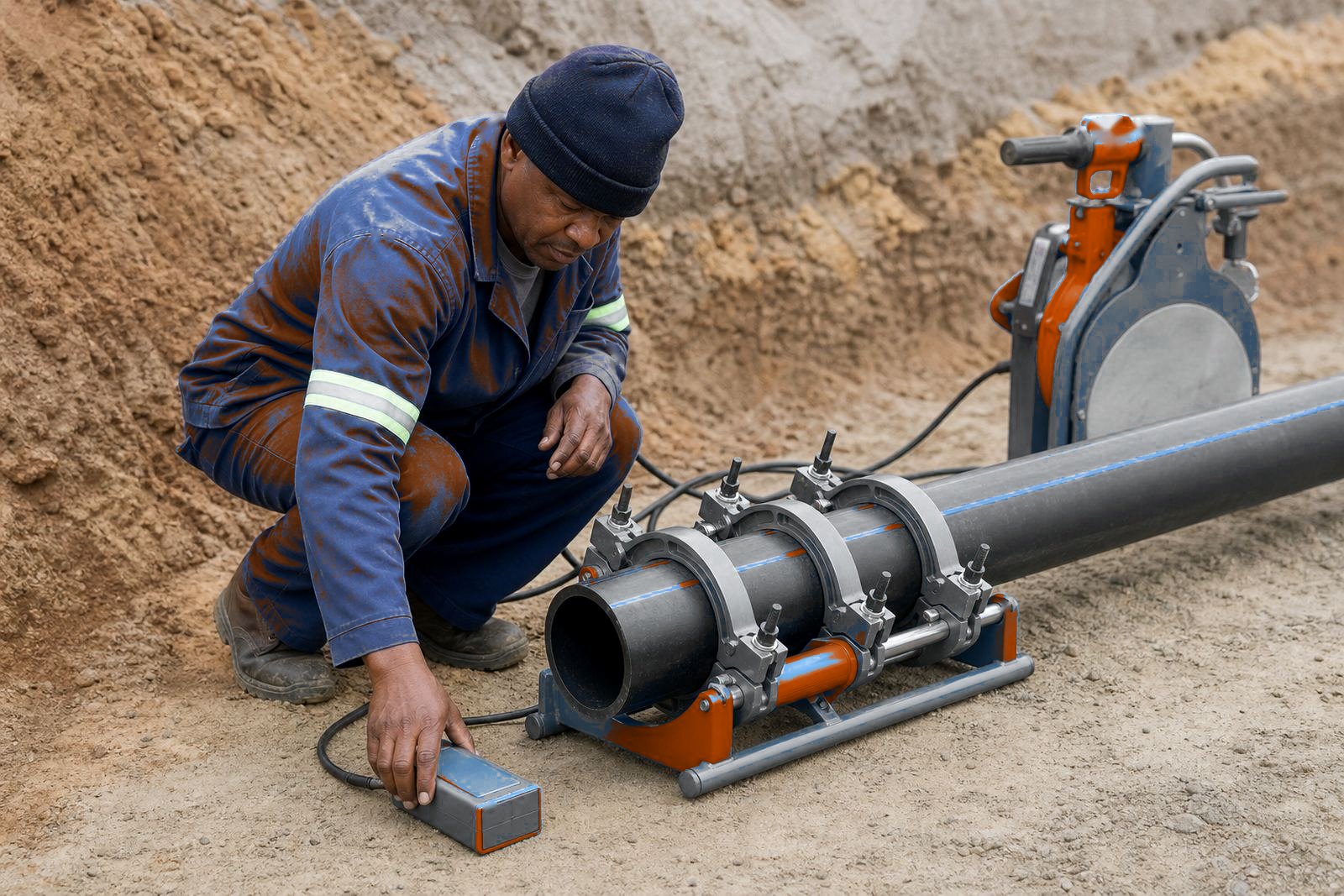
What a weld record needs to capture on the floor
A weld record should hold the facts that affect the joint itself. Butt-fusion records hold size, SDR, material, machine number, plate condition, air temperature, facing pass, changeover, pressure and cooling. If any of those are missing, the record cannot be used when a joint is questioned later.
Add the weld location, the line or trench reference, the operator name and the date to each record. Record the bead shape after fusion along with the logged values. When a job passes from one crew to another, that basic trail keeps the work readable for everyone.
- Pipe outside diameter and SDR
- Machine or unit identification
- Facing pass and alignment check
- Fusion pressure, changeover time and cooling time
- Visual bead inspection notes
Manual sheets still make sense on many sites
Paper logs are still common on HDPE sites. They are quick to fill in with a pen, they suit a wet trench or a dusty site and they do not rely on signal, battery charge or a screen that has to be protected from grit. For short runs of pipe, repair work, or teams that only weld a few joints in a shift, a printed sheet can be enough.
The weak point is consistency. A hand-written sheet often misses small details such as the heater plate soak time, a note on poor end preparation, or a record of whether the clamps were aligned before heating started. If the crew is changing often, or the same machine is moving between sites, the paper trail can become hard to read and easier to lose. Weld history can be checked later by an engineer or site supervisor.
- Best for smaller crews and mobile repair work
- Works well where the job is straight forward and local
- Needs clear columns and the same format every time
- Filed daily with the job file
Digital logging when the joint list is long
Digital logging suits jobs with many welds, several crews or repeated pipe runs with the same SDR and size. A tablet, data logger or laptop based form captures set values and actual values. Shared records suit a client team, a project manager, or a service department checking machine performance.
Digital logs can flag missing values, hold a list of recent welds and help spot drift in fusion pressure or cooling disc. That makes it easier to notice when a heater plate needs checking, or when a facer is not producing a clean surface across the full pipe face. For hire fleets, that trail helps to separate operator error from equipment issues.
- Useful for repeat production and bigger contract work
- Helps with machine history and fault tracing
- Can reduce missing fields on the weld sheet
- Needs a tidy filing routine after each shift
How to choose between paper and screen
If the crew is small, the pipe sizes vary, and the work happens in rough terrain, a paper log may be the easier fit. Projects with many welds, strict handover records and several people checking the same machine data usually go digital.
Think through who fills the record, who checks it and who files it. A log that nobody owns will fail whether it sits on a clipboard or on a screen. Also think about site conditions. In coastal humidity, dusty stockyards or a busy trench line, the system must survive grease, gloves and the occasional knock. Pick the option the crew can complete for every joint on the shift.
A simple decision rule helps:
- Choose manual sheets for short jobs and repair work
- Choose digital logging for repeat runs and multi-crew sites
- Use both when client records and internal records must match
- Keep the same field names across every machine and crew
A basic welding log template
Every good log should read the same way from one weld to the next. Leave room for bead inspection and any fault found before the next weld begins. The layout keeps the record practical.
For teams that work across Gauteng, Limpopo and the coast, the template should also allow for site notes such as wind, rain, trench depth or access limits. Those details can affect handling and the time needed to align a long pipe run. Hired machines log their collection condition and any fault found on arrival.
Useful fields include:
- Date, site and operator
- Facing time and visual surface check
- Heating time, pressure and changeover time
- Cooling time before movement or test
- Bead inspection and remarks
Training, checks and file order for the record
Train the operator on the logging system before the first logged weld. A good training session should cover how the record links to each weld step, what values must be entered before fusion starts and how to mark a weld that needs review. Plan a refresher session when a crew changes, a new machine is introduced, or a team starts handling a wider pipe range.
Machine servicing affects the record. A recent hydraulic pressure test makes the record more trustworthy. If the equipment is drifting, the log needs to show it.
- Teach every operator the same data fields
- Keep paper or digital records in one filing route
- Review missing entries before the next shift starts
A complete weld record makes the job easier to defend and the process easier to repeat on the next line.